Agentic
Agents can help set up your site and manage content through documented, reviewable workflows.
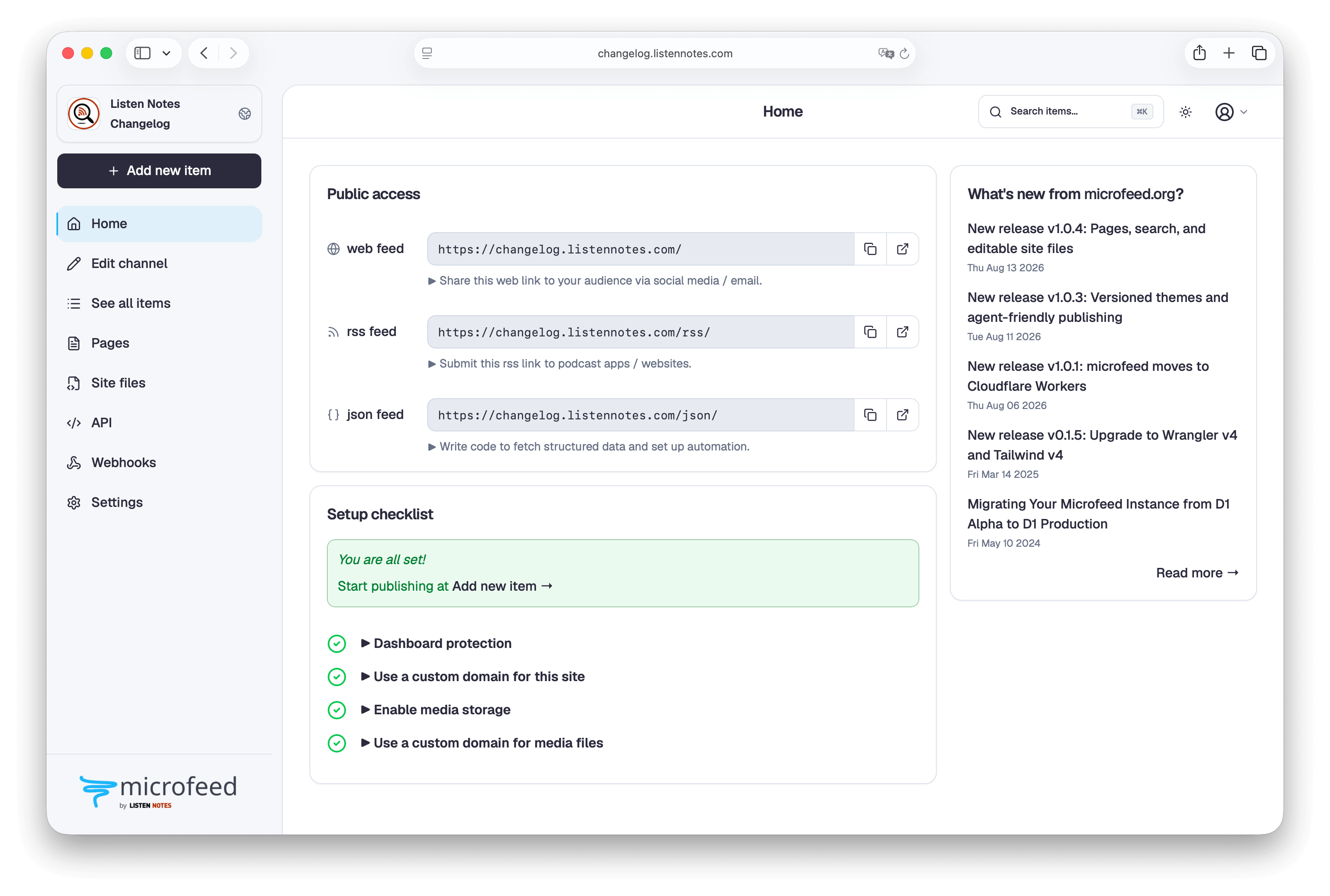
Your coding agent guides account authorization, resource setup, deployment, and first admin access.
Deploy microfeed to Cloudflare. Start by running `npx @microfeed/cli manage`, then follow its instructions until deployment is verified.
Then follow the prompts. The supported tools handle the Cloudflare details and guide you through the rest.
Agents can help set up your site and manage content through documented, reviewable workflows.
An ergonomic REST API makes it easy to connect automations, applications, and other tools.
Cloudflare runs the application and storage. R2 includes 10 GB on the free tier.
Start with a complete site, then export the theme and customize every public view.
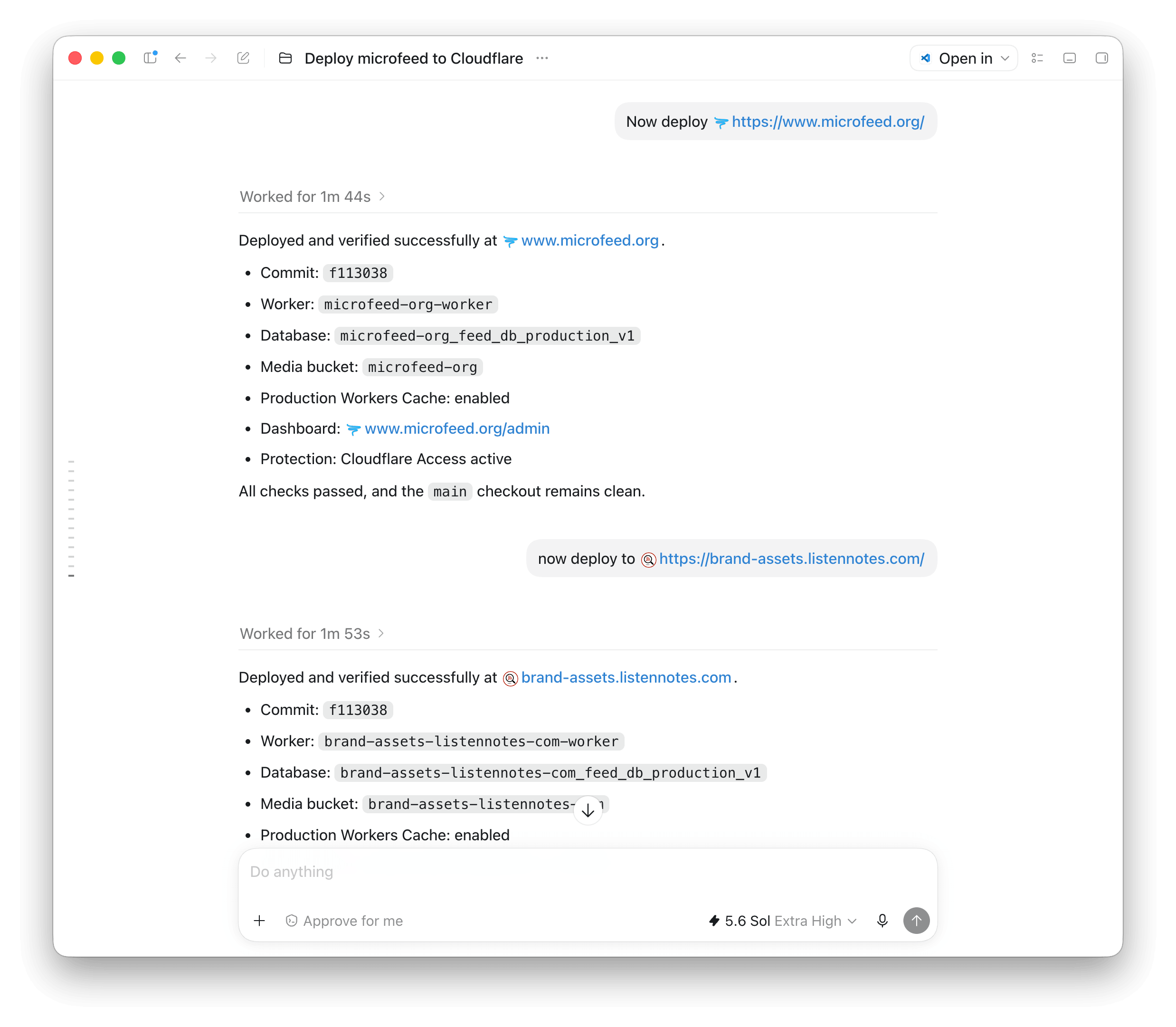
Use the admin UI yourself, or hand a clear task to an AI coding agent (e.g., OpenAI Codex). Try one of these real prompts.
Deploy microfeed to Cloudflare. Start by running `npx @microfeed/cli manage`, then follow its instructions until deployment is verified.
Create a new unpublished podcast episode on https://www.microfeed.org/ from the attached audio file. Use `npx @microfeed/cli`, log in if needed, upload the audio as the episode attachment, draft the show notes, and verify the saved episode.
Build a custom theme for https://www.microfeed.org/ inspired by GitHub’s home page. Use `npx @microfeed/cli manage` to connect and export the current theme. Use the exported theme’s `yarn build`, `yarn check`, and `yarn preview` commands while developing it. Install the result inactive, ask before activation, then verify the site.
Release notes, new capabilities, and lessons from building microfeed in public.
 RSS
RSS
 JSON
JSON